Little Waves Contraction Timer
Time contractions with one tap, share the detail with your healthcare professional. That's the whole app.
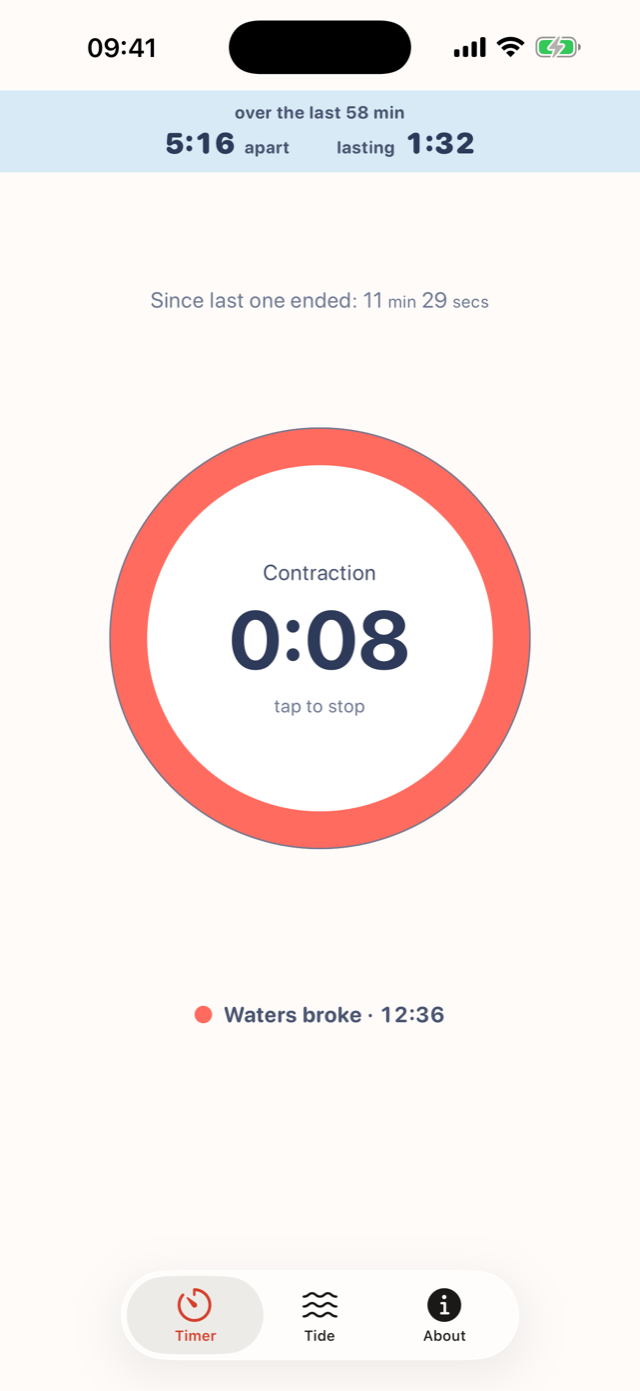
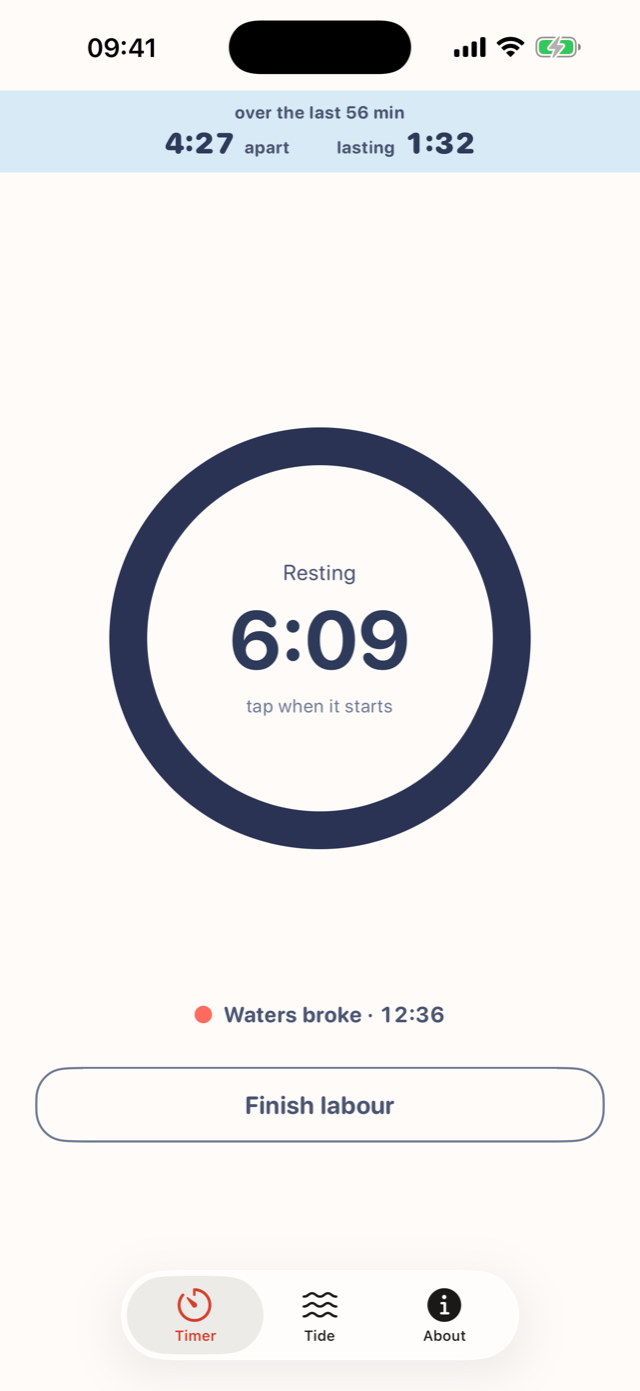
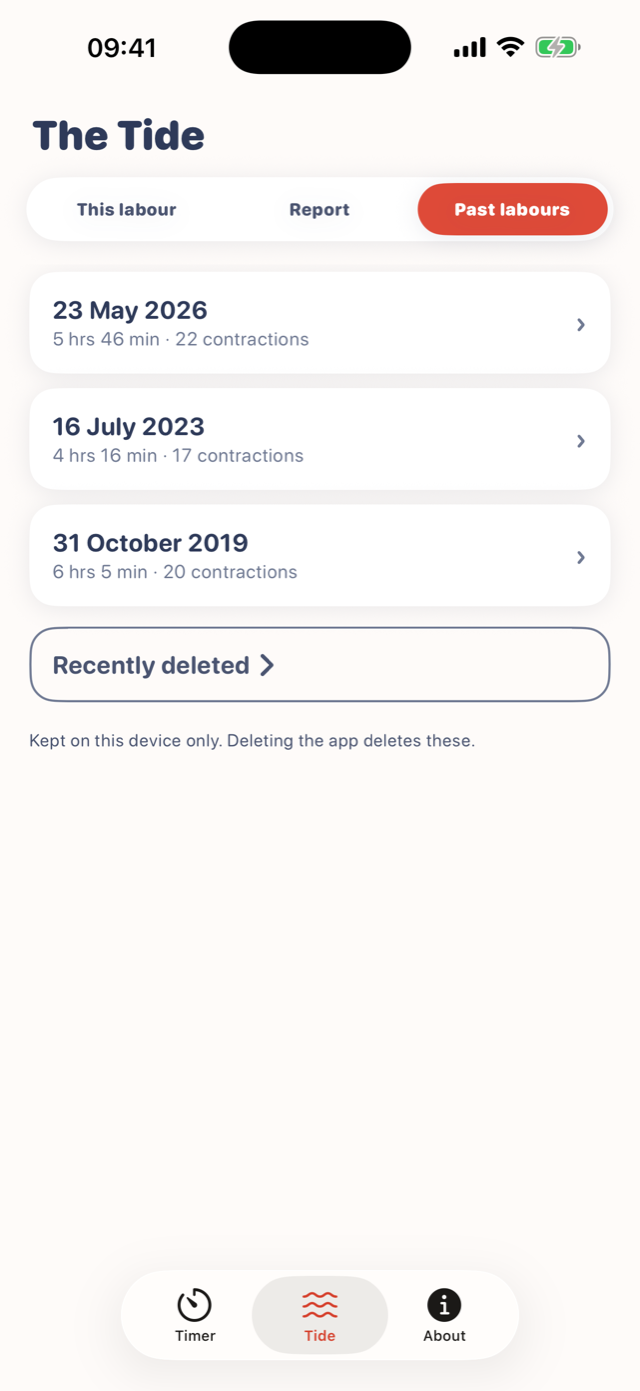
One clear button
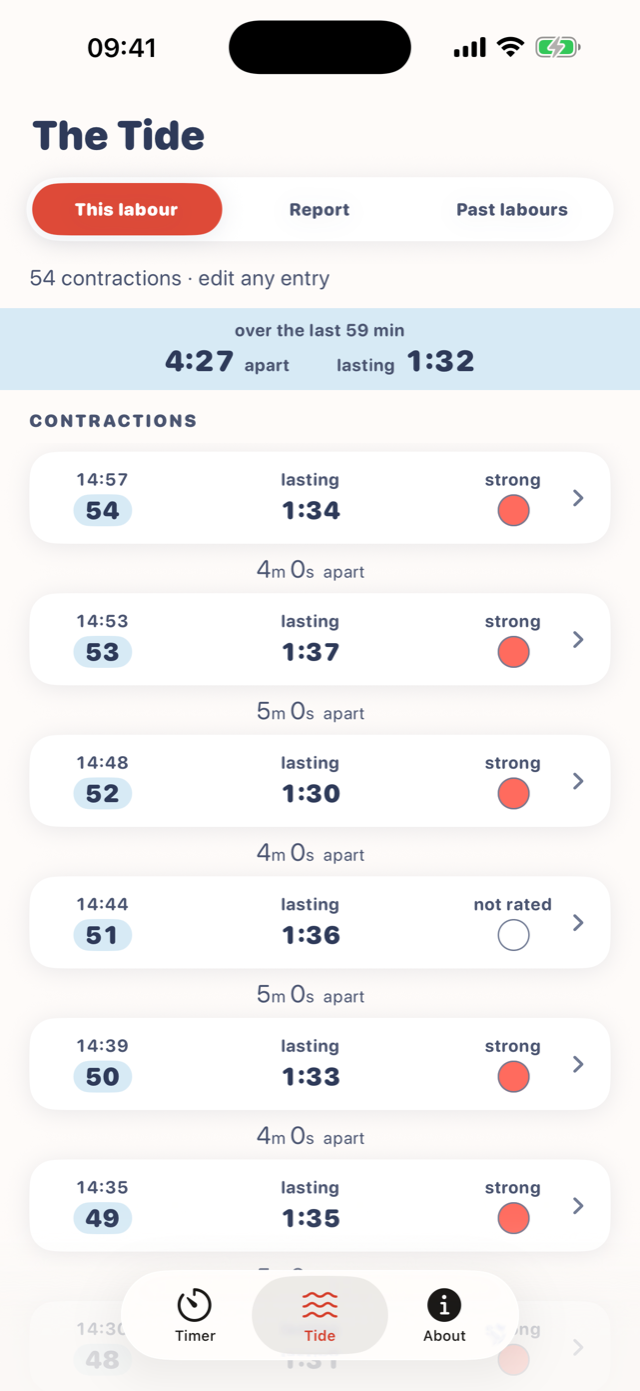
Made for one hand in the dark. Start when a contraction starts, stop when it stops. The app shows how long, how far apart, and how the last hour looks, in plain words. No alarms, no instructions, no drama. You and your healthcare professional decide what it means; we just keep the record straight.
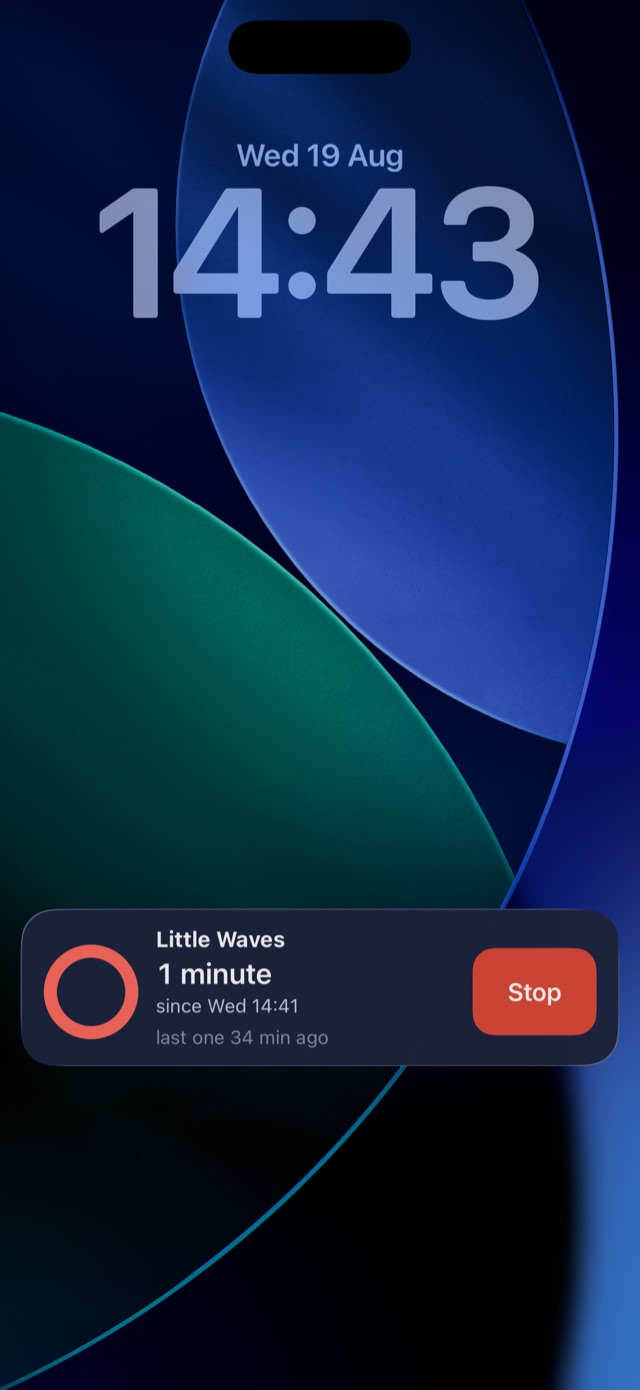
On your Lock Screen and your wrist
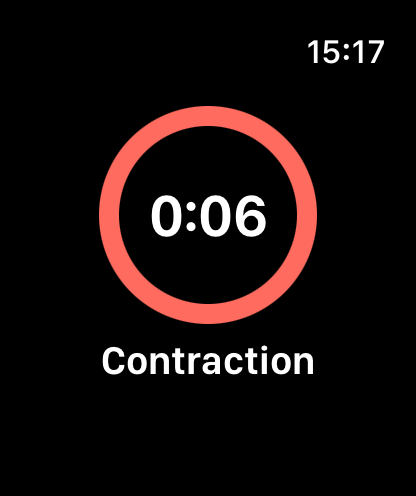
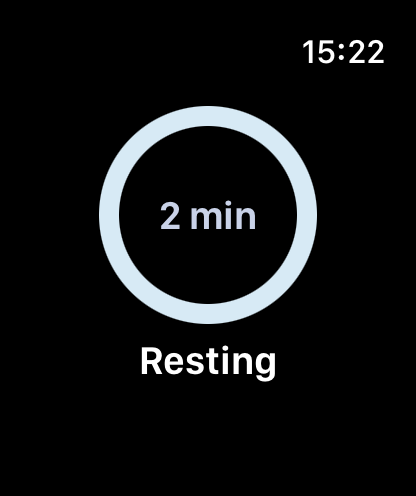
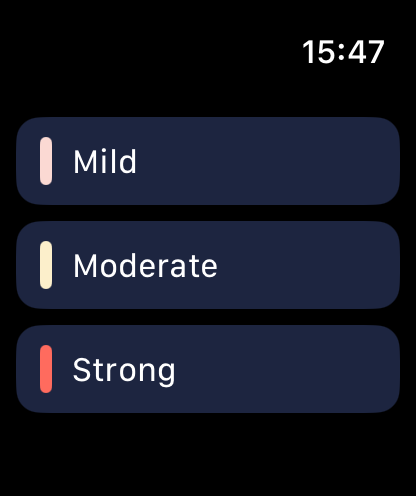
Your timing stays on the Lock Screen, so you can see it and stop it without unlocking your device. And it lives on your wrist: one big button on Apple Watch, for when the device is across the room. Taps made out of the device's range keep their own times and settle into the record when it reconnects.
A record your healthcare professional can read
When it is time, share the whole story in one tap: a tidy summary as a message, an image, or a PDF that a healthcare professional can actually read.
It cannot forget and you can fix mistakes
Your record survives locking, restarting, and force-quitting your device, because timing is computed from saved moments, not a running clock. We built it so that nothing can be lost. You can also edit or delete if you press the button at the wrong time - fix any entry with a tap (you can even undo it if you delete anything by mistake, if it's within 10 seconds).
Free. Completely.
No ads, ever, and nothing to buy, because nobody should meet an advert at 3am between contractions. We just want to help make this more manageable.
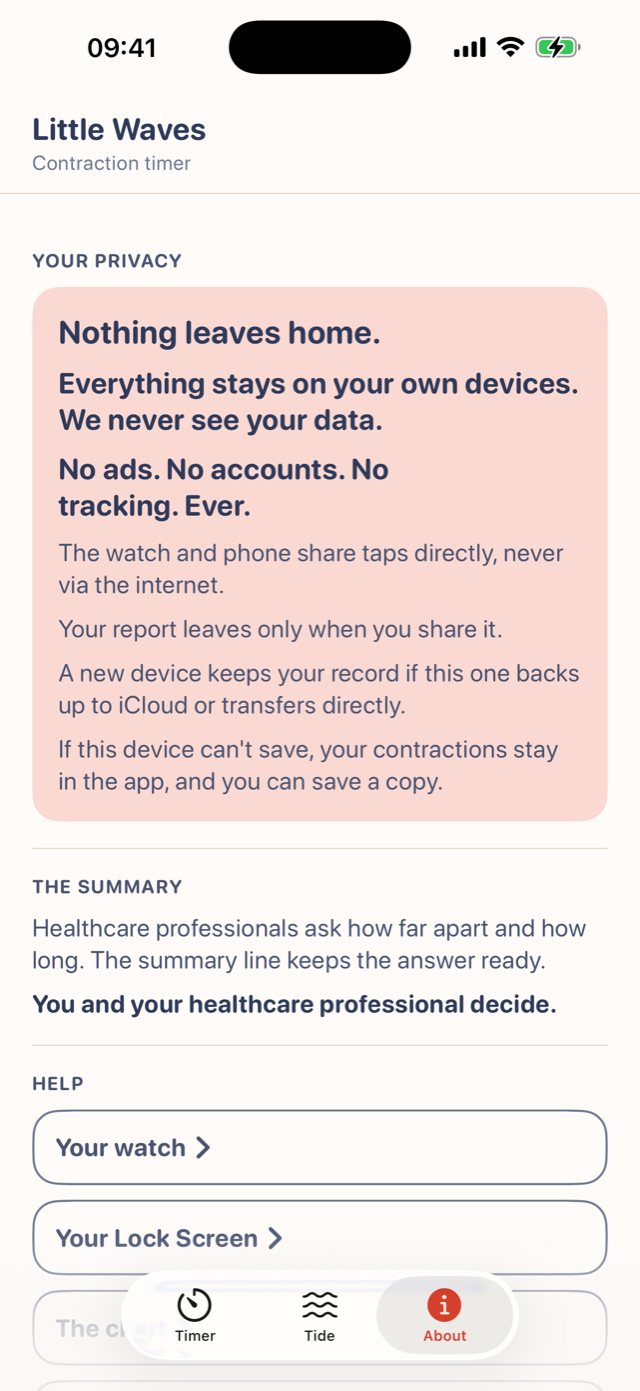
Nothing leaves home.
No account, no tracking, no data collected. The app doesn't talk to anything else in the background and works with the internet switched off. The App Store privacy label reads Data Not Collected, and you can check that on the store page yourself. Your labour is yours.
Questions parents ask
Does it work with VoiceOver, Voice Control and large text?
Yes on iPhone, and we checked it ourselves. The accessibility page says what each App Store label means in plain words, and where we have checked less.
How far apart should contractions be before I go in?
That is one for your healthcare professional; Little Waves just keeps the record straight. The app shows the pattern in plain words, and you and your healthcare professional decide what it means.
Can I make the screen light or dark during labour?
Little Waves follows your device's appearance. Prefer light? Use your device's Control Centre to switch it.
How do I keep the timer on my watch face?
Keep the timer on your watch throughout labour: in the Watch app on your iPhone, go to General > Return to Clock > Little Waves, then choose 'After 1 Hour.'
Will my record move to my new device?
Your record is included in your own Apple backup, so it comes across when you restore or transfer to a new device. Exporting the report gives you all the data should you then want to delete the app and its content.
Something else?
Write to us from the app's 'Send feedback' button, or see Support. A real person reads everything.